

When Melio emails the business
When Melio emails the payee
Example
A payment-failure email, white-labeled with the partner’s logo and branding: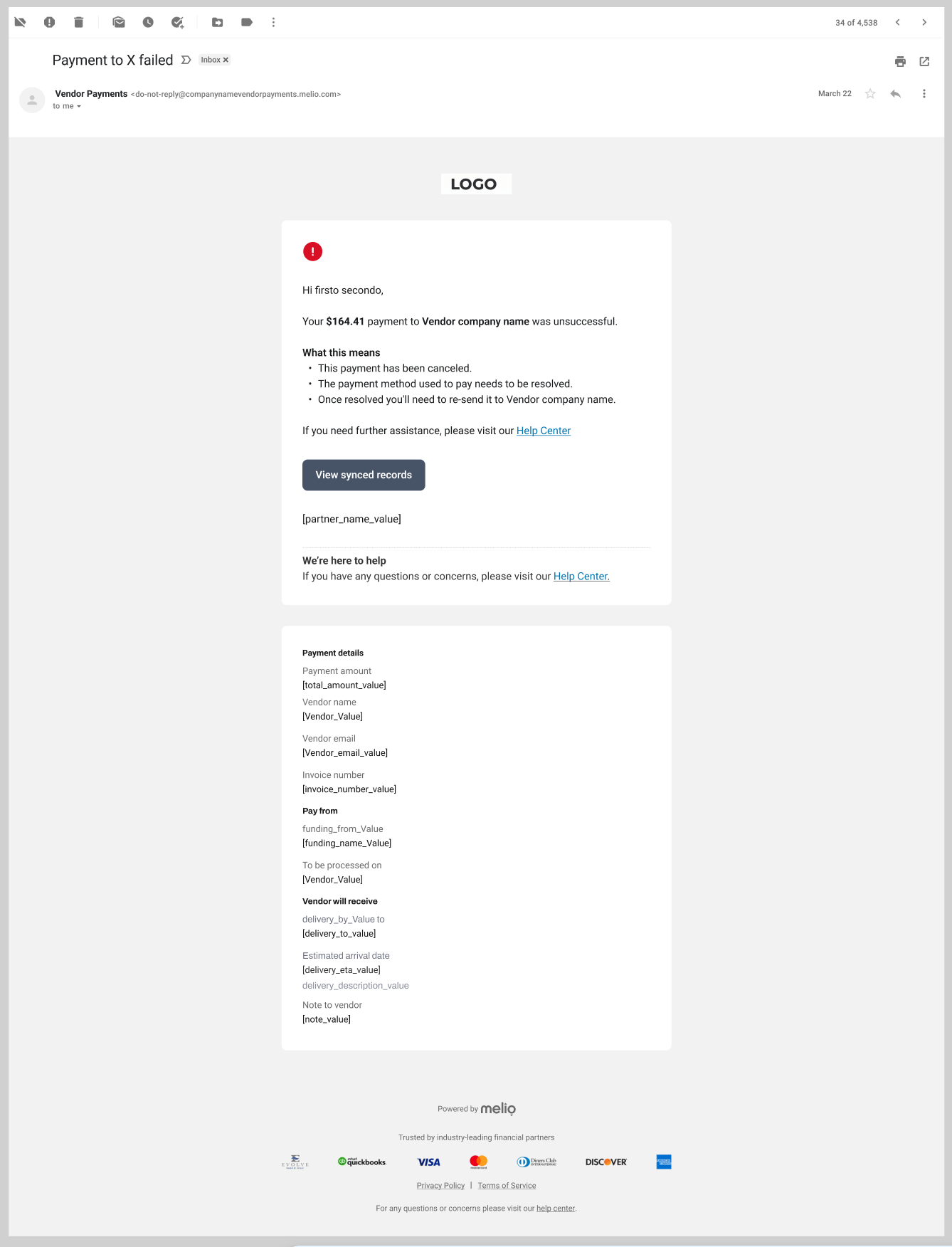
Configuring the emails
These emails can be configured in different ways to match your brand and flow. You can customize:- Logo and colors
- Sender domain
- Links (for example, your website, help or support links)
During the beta, email configuration is handled manually - tell your Melio contact how you want the emails branded and we set it up. Self-serve configuration comes later.